VPN vs Browser Privacy Tools: What Each One Protects (and What It Doesn’t)

If you care about online privacy in 2026, you’ve probably heard every recommendation imaginable: “Use a VPN.” “Just use incognito.” “Install an ad blocker.” “Switch to a privacy browser.” Some of that advice is good. Some is incomplete. And some creates the worst outcome possible: false confidence.
The problem is that many privacy tools operate on different layers of the internet stack. A VPN protects one layer. A browser extension protects another. DNS settings affect a different layer. If you mix up those layers, you’ll either overpay for protection you don’t need—or rely on tools that don’t protect what you think they do.
This guide breaks down the real differences between VPNs and browser privacy tools. You’ll learn what each one protects, where it fails, and how to combine them into a practical privacy setup without sacrificing usability or falling for marketing hype.
Let’s start with the most important principle: online privacy is not a switch you turn on. It’s a system of trade-offs, habits, and technical layers. Your goal is not “invisibility.” Your goal is reducing exposure and limiting correlation.
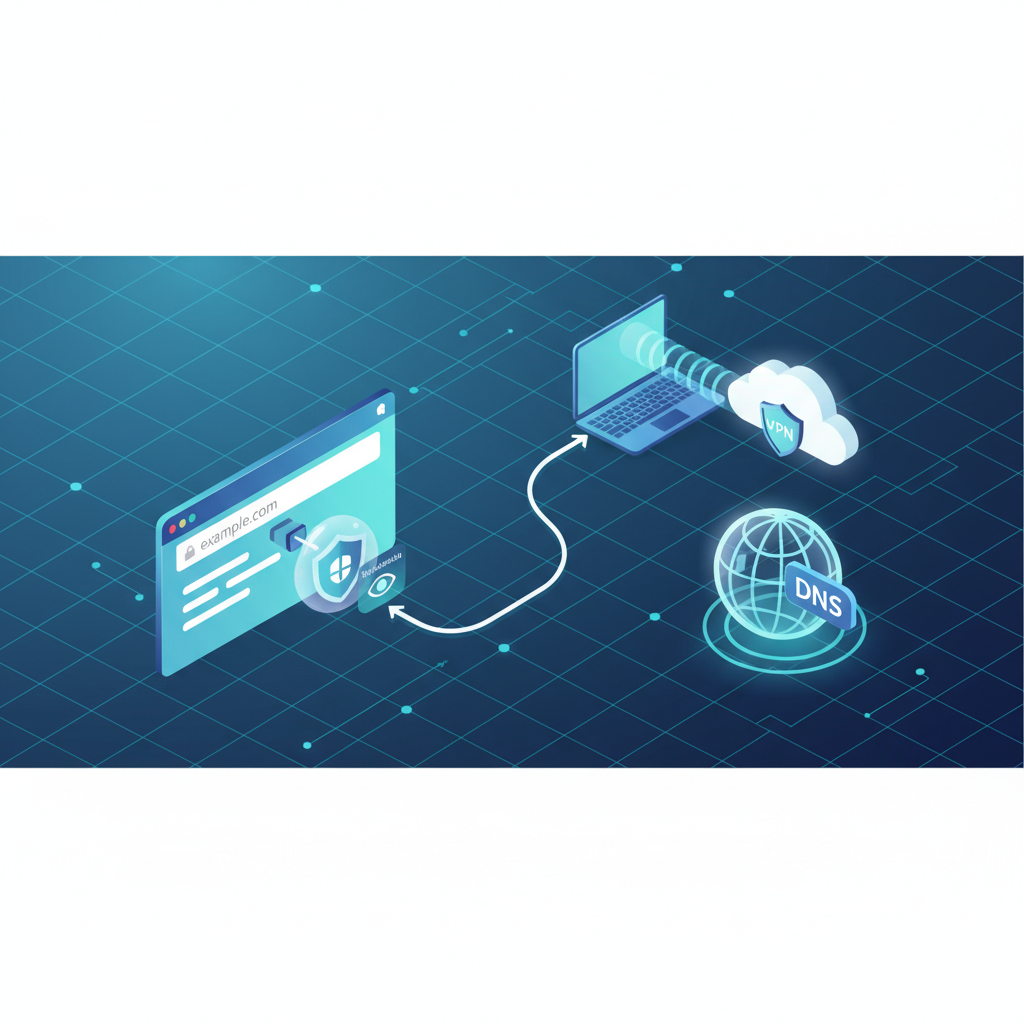
A VPN (Virtual Private Network) is a network-layer tool. It creates an encrypted tunnel between your device and a remote server. Websites see the VPN server’s IP address instead of your real one. Your ISP sees encrypted traffic going to the VPN, rather than a direct list of websites. That’s the core value of a VPN: it changes where traffic appears to come from and protects data in transit.
Browser privacy tools work differently. They focus on what happens inside your browser: scripts, trackers, cookies, fingerprinting signals, and the tiny data points that ad networks use to recognize you across websites. Browser tools do not change your IP address. They reduce what the browser reveals and what it accepts from trackers.
This difference alone explains why debates like “VPN vs ad blocker” are usually wrong. They’re not competitors. They’re different pieces of the same privacy system. A VPN helps on the network layer. Browser tools help on the client/browser layer. One does not replace the other.
To make this simple, imagine your privacy as a house. A VPN is like tinting the windows and controlling which street your front door appears to be on. Browser privacy tools are like removing microphones inside the house and preventing strangers from planting tracking devices in your living room. Both matter, but they solve different problems.
So what does a VPN actually protect? First, it reduces IP-based tracking. Your home IP is a stable identifier that can connect sessions across time. A VPN replaces your IP with a shared server IP, weakening that correlation. Second, it protects you on untrusted networks like public Wi-Fi by encrypting traffic. Third, it reduces ISP-level visibility of your browsing destinations (though your ISP still sees that you use a VPN and how much data you transfer).
What a VPN does not protect is equally important. A VPN does not block trackers or ads inside your browser. It does not stop websites from fingerprinting your device. It does not prevent cookies from linking your sessions. And it definitely does not make you anonymous if you log into accounts tied to your identity. If you sign into Google, Meta, Apple, Microsoft, or any personal account, you’ve already identified yourself—VPN or not.
Now let’s look at browser privacy tools. The most common category is tracker blocking, usually implemented via content blockers or privacy extensions. These tools prevent known advertising and analytics scripts from loading. That reduces data collection and can speed up browsing. In many cases, it also reduces retargeting and cross-site profiling.
Next is cookie control. Cookies are not inherently evil—they enable logins and sessions. The privacy problem is third-party cookies and tracking cookies used to follow users across sites. Modern browsers reduce this by default, but dedicated privacy tools can go further by cleaning storage, isolating containers, or blocking third-party writes.
Another critical layer is fingerprinting resistance. Fingerprinting collects characteristics such as fonts, screen size, device capabilities, and browser configuration to create a “signature” that can recognize you again even without cookies. Some browsers and extensions reduce fingerprint uniqueness, but this is one of the hardest problems in privacy. You can block every cookie and still remain identifiable through a stable fingerprint.
Browser privacy tools are powerful, but they also have limits. They mostly protect you inside the browser. If an app outside your browser collects telemetry, that’s a different channel. They also don’t hide your IP address, meaning websites still know your approximate location and network identity. And importantly, aggressive blocking can break sites or cause login issues, which often leads users to disable protection entirely. The best setup is one you can actually keep using.
This leads to an important truth: the modern internet tracks users using correlation. Tracking is rarely just one identifier. It’s a combination of IP, cookies, device fingerprint, account state, behavior patterns, and timing. The more of those signals you reduce, the harder you are to profile at scale.
So which tool matters more: VPN or browser privacy tools? If your main threat is local network exposure (public Wi-Fi), ISP visibility, and IP-based correlation, a VPN helps the most. If your main threat is advertising tracking, retargeting, cross-site profiling, and fingerprint-based recognition, browser tools matter more. For most people, both threats exist.
A practical privacy setup usually looks like this: use a reputable VPN when you want to reduce IP exposure or protect traffic on untrusted networks, and use browser privacy tools every day to reduce tracking signals and data collection. This combination provides stronger protection than either tool alone.
However, there are common mistakes that ruin privacy even when tools are installed. One mistake is running a VPN but using the same browser profile for everything: work, personal accounts, casual browsing, and sensitive research. That creates one huge identity cluster. Tracking systems love that. A better strategy is separating activities into different browser profiles or containers.
Another mistake is installing too many privacy extensions. This sounds counterintuitive, but the more unique your extension set becomes, the more fingerprintable you may be. Some users create a “super unique” browser fingerprint by stacking dozens of tools. Privacy is not about collecting tools. It is about reducing stable identifiers.
A third mistake is ignoring IP reputation and traffic trust signals. Even if you’re using privacy tools correctly, your connection can be treated differently based on the IP address you appear from. This is why some users experience more CAPTCHAs, verification prompts, or restricted access when using certain VPN endpoints. If you want a deeper technical understanding of this, read our guide on IP Reputation and Why Some Connections Get Blocked.
A fourth mistake is focusing only on cookies while ignoring network-level leaks and browser features. For example, certain browser functions can expose network information even when you think everything is protected. This is one reason topics like WebRTC still matter in modern privacy setups. We cover that in detail here: WebRTC Leaks and Why They Matter for Browser Privacy.
Now let’s address a popular myth: “If I use incognito mode with a VPN, I’m private.” Incognito mostly prevents local history and cookies from being saved after you close the window. It does not block fingerprinting and does not stop trackers from collecting data while you are browsing. And a VPN only changes routing—it does not change your browser identity. Incognito plus VPN can be useful, but it is not a privacy guarantee.
Another myth: “A VPN protects me from websites tracking me.” A VPN can reduce tracking based on IP address, but websites and ad networks still see your browser environment. If you load third-party scripts, accept trackers, and stay logged into accounts, a VPN does not prevent profiling. To many trackers, the VPN is just a different IP behind the same identity.
So what does “real privacy” look like in daily life? It looks like consistency and separation. It looks like keeping your browser environment clean and predictable. It looks like limiting how often you combine identities. And it looks like choosing tools that reduce tracking signals without constantly breaking usability.
If you want one simple framework, use this: network privacy tools reduce what outsiders can see about your connection path, and browser privacy tools reduce what websites can collect and store about your behavior. Both are necessary because modern tracking works across both layers.
For everyday users who want practical protection without overcomplication, this approach works well: use one strong browser profile for normal browsing with tracker protection enabled, use a separate “privacy” profile with stricter settings, and keep a VPN available for public Wi-Fi, travel, or when you want to reduce IP-based correlation. This is realistic, maintainable, and effective.
The best privacy solution is not the most extreme one. It’s the one you will actually keep using. Most people lose privacy not because tools don’t exist, but because the setup is too complex, too slow, or too fragile. A simple layered system is usually the strongest long-term strategy.
In 2026, privacy is not about hiding everything. It’s about controlling what you unnecessarily share. Once you understand what VPNs do and what browser tools do, you can build a setup that protects you in the real world—not just in theory.
Disclaimer: This article is for educational purposes only and discusses lawful, responsible privacy practices. It does not provide instructions for bypassing restrictions or violating laws or terms of service.